%201.svg)
Turn Any Topic Into a Ready-to-Deploy Course in Minutes with AI
Draft structured training content with AI, then review, edit, and prepare courses for supported learning-delivery workflows.
Draft structured training content with AI, then review, edit, and prepare courses for supported learning-delivery workflows.
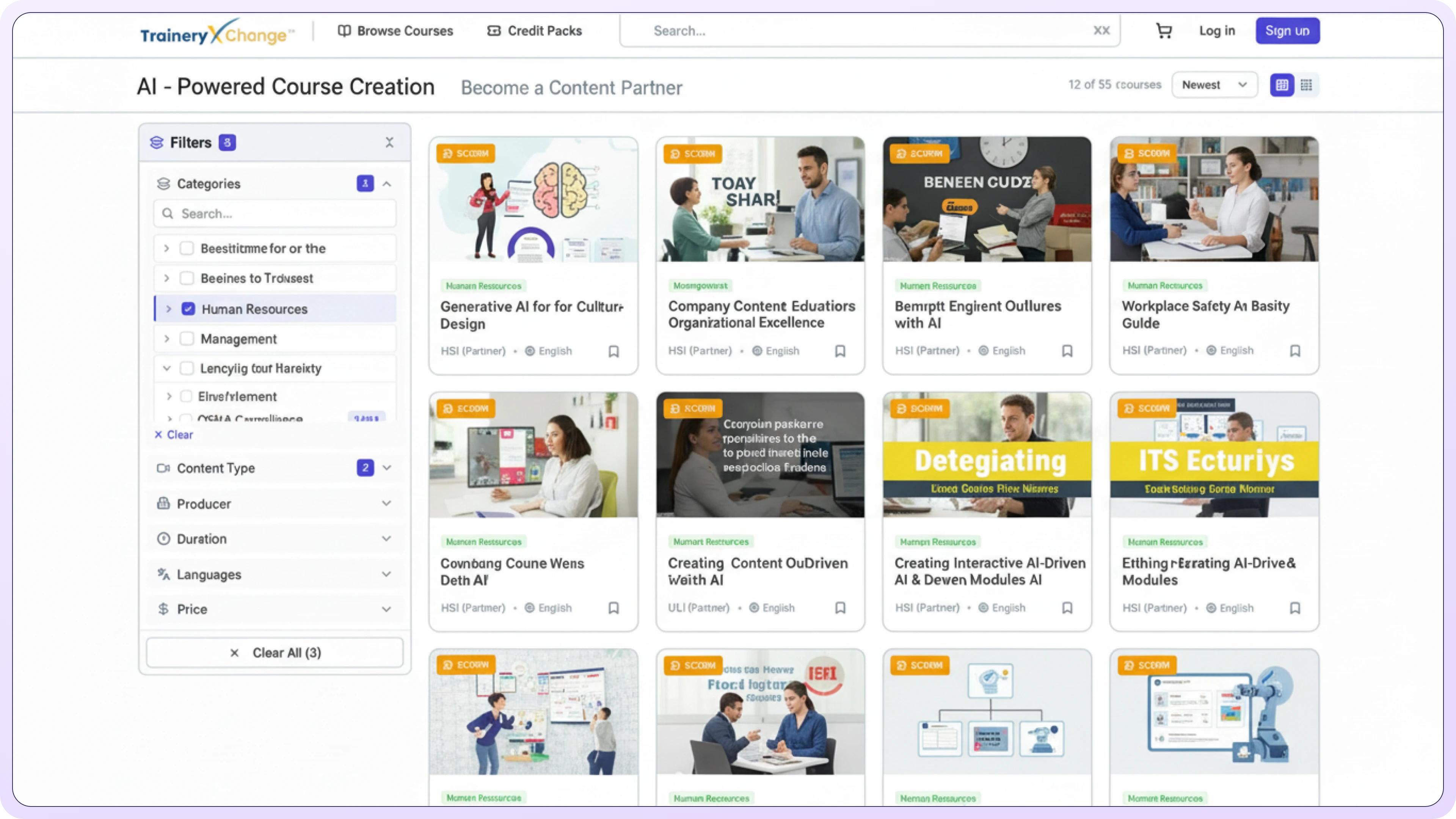
Use AI-assisted drafting, templates, quizzes, and supported export options to build training content more efficiently.
Turn prompts, documents, or topics into complete course outlines and modules automatically structured for learning impact.
Create assessments, knowledge checks, and quizzes in seconds to reinforce learning and measure understanding.
Launch faster with prebuilt templates tailored to roles, industries, and compliance needs. No instructional design required.
Use AI-assisted course creation to draft targeted learning content around identified skills and training needs. Review and validate generated material before learner delivery.
.svg)
Let AI structure your learning paths so your team can focus on strategy instead of manual slide creation.
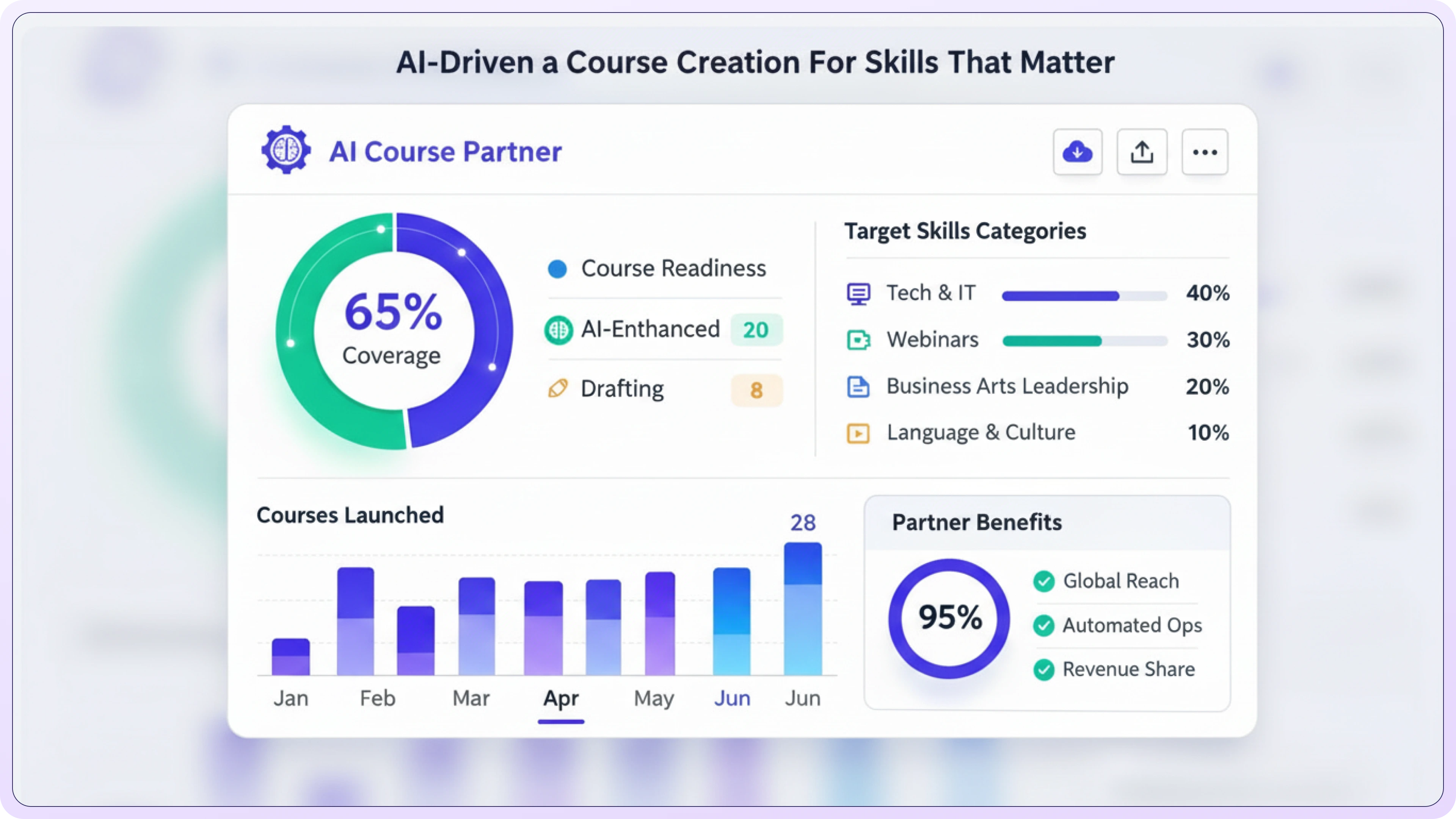
A guided workflow for moving from an initial topic or source material to an editable course draft and supported delivery options.
.svg)

Begin with a training topic, prompt, or available source material and define the learning objective for the course draft.

.svg)
Review the proposed structure, lessons, learning objectives, and assessment content before preparing the course for delivery.

Edit the course and use available publishing or export options based on the content format, TraineryLMS workflow, and target LMS configuration.

Use the reporting data available in your configured learning environment to review launches, completions, and other supported activity.
Empower any team to build high-quality courses in minutes. No specialized expertise required.

Use AI-assisted drafting to reduce repetitive outlining and content-development work while keeping review and refinement in the workflow.
.svg)
Ensure every team uses consistent structure, tone, and compliance-aligned training materials.

Enable HR, L&D, SMEs, and managers to create effective content without requiring a specialist.
.svg)
Create and adapt role-based or industry-focused content using the capabilities available in your configured course-creation workflow.

Reduce reliance on agencies and freelancers by creating content internally with AI.
.svg)
Revise outdated modules or create new versions instantly with a single prompt.
Available export formats can include SCORM, xAPI, AICC, or other supported options depending on the course and platform configuration. Confirm the required format for your LMS before deployment.
Courses can be prepared for supported LMS delivery or export workflows. Compatibility depends on the selected format and the requirements of the target LMS.
SCORM and xAPI options may be available depending on the course-creation and delivery configuration. Verify the format required by your LMS before publishing.
TraineryLMS can be used as a delivery option where the configured course workflow supports it, with tracking and reporting based on the learning setup.
Yes. You can edit, rewrite, add media, change tone, rearrange modules, or regenerate sections instantly.
We offer templates covering compliance, safety, HR, IT, leadership, sales, healthcare, and other common training needs.
Choose your workflow and start building with AI.
See how AI-powered training can scale across teams and locations.

Call 800.397.5215 to speak with our experts and find a solution that fits your organization’s needs.


%5B1%5D.svg)
