Flexible LMS delivery for workforce training

Compare TraineryLMS and Existing LMS Delivery Options

Choose TraineryLMS when you need a hosted learning environment, or use supported delivery options with an existing LMS. Compatibility, reporting, data exchange, and setup depend on the selected content and configuration.

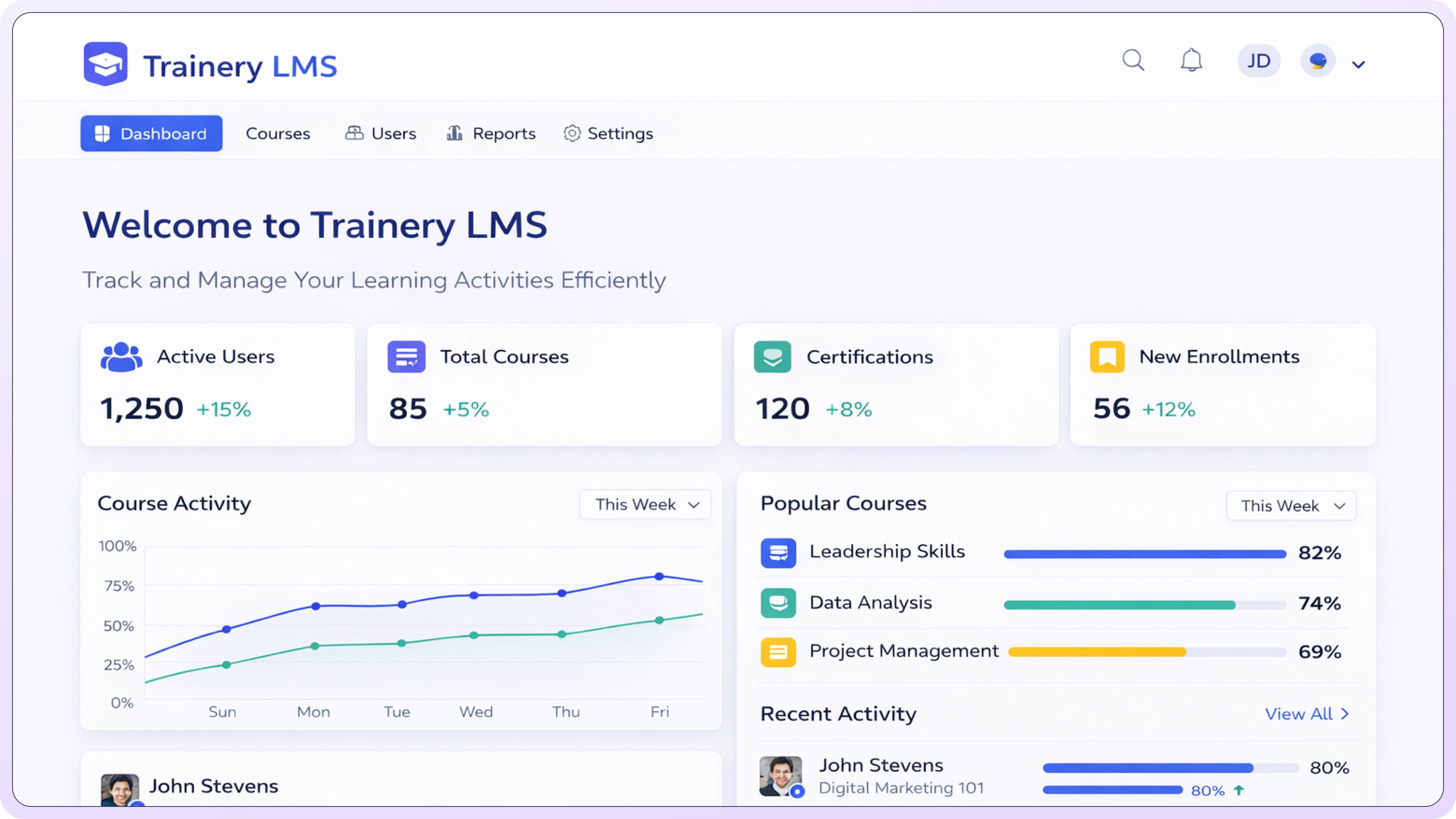
LMS Dashboard

Ready to Choose Your Path

Select the solution that fits your current infrastructure.

TraineryLMS

Use TraineryLMS

Use TraineryLMS as a hosted learning environment for workforce training. Confirm branding, provisioning, SSO, reporting, and content access for the selected configuration.

green tick icon with circle
Guided implementation and configuration
green tick icon with circle
Guided provisioning and setup
green tick icon with circle
Custom branding & SSO
Explore TraineryLMS

Use Your Existing LMS

Keep your current LMS and use supported content-delivery options, including LTI where compatible. Confirm content format, LMS services, and reporting behavior before rollout.

green tick icon with circle
Supported LTI connection options
green tick icon with circle
Update handling depends on delivery method
green tick icon with circle
Licensing and billing options based on scope
Use Content via LTI

How to Choose the Right LMS Delivery Path

Compare implementation, content delivery, reporting, administration, and system ownership before choosing TraineryLMS or an existing-LMS approach.

Speed

Plan implementation around identity, content, reporting, security, and administrator requirements. Setup timing depends on scope and configuration.

Choice

Review available training content alongside organization-specific content based on licensing and platform configuration.
swatch-book icon

Simplicity

Reporting and provisioning capabilities depend on the selected delivery method, LMS environment, and configuration.

Everything you need to scale learning

We've built a robust infrastructure that bridges the gap between high-quality content providers and modern enterprise needs.

TraineryLMS marketplace with licensing and delivery controls

Supported external-LMS delivery methods

TraineryLMS access options for content buyers

library icon

Enterprise control options where supported

Offline delivery options where available

notebook icon

Learning paths, learning plans, and enhanced analytics

Training Content and Administration Options

18K+

Training Courses Available

Flexible

Learner Administration Options

Available

Progress and Completion Reporting

Explore the LMS

TraineryLMS

TraineryLMS is a learning management system for administering workforce training, including supported onboarding, compliance, upskilling, and development programs. Available learning paths, reporting, integrations, and administration features depend on the selected configuration.

Learn More
arrow-right icon
LMS Platform

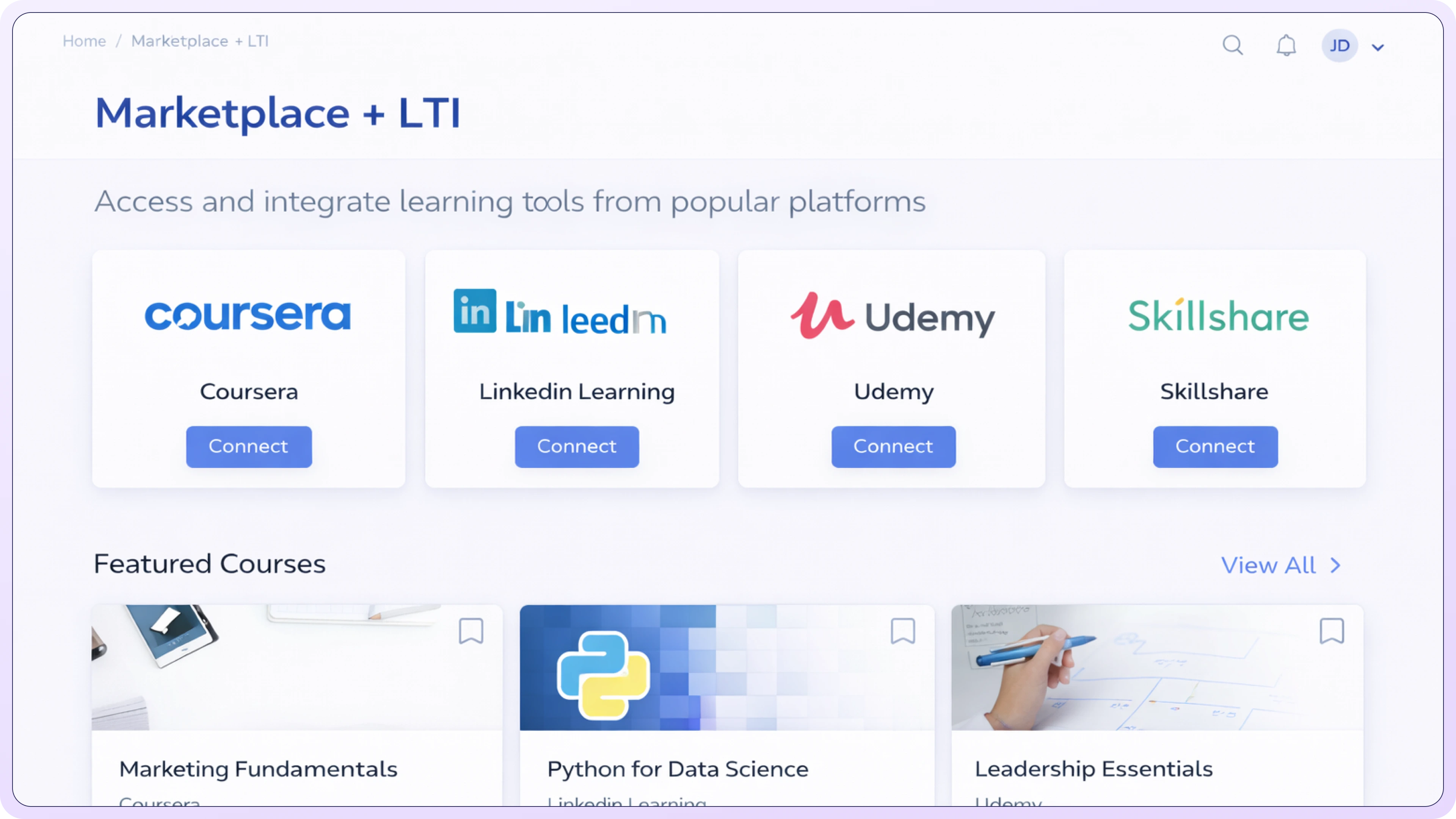
Marketplace + LTI

Marketplace and LTI options can support access to licensed training content inside compatible LMS environments. Delivery, data exchange, reporting, and workflow impact depend on the LMS, LTI services, content, and implementation.

Learn More
arrow-right icon
Marketplace LTI

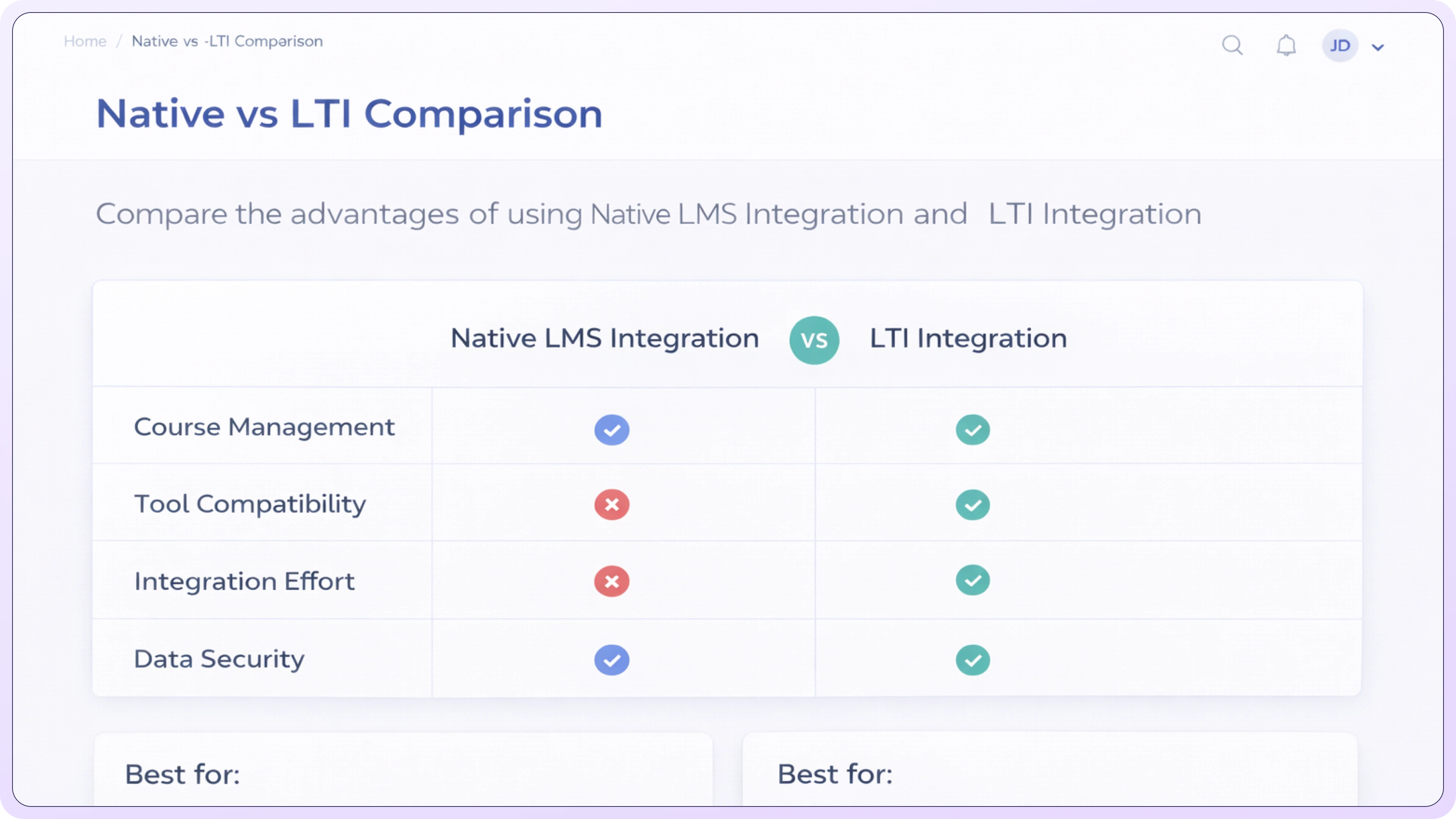
TraineryLMS vs LTI Delivery

Compare TraineryLMS with supported LTI delivery by implementation requirements, learner access, reporting, administration, and system ownership. Exact capabilities depend on the target LMS and configuration.

Learn More
arrow-right icon
Native vs LTI

Technical setup FAQ for LMS administrators

Which LTI versions are supported?

Supported LTI versions and services depend on the target LMS and TraineryXchange configuration. Confirm current support for LTI 1.3, legacy environments, Deep Linking, and grade services during implementation.

What configuration details are required?

Required configuration values depend on the LMS and LTI setup. The implementation team can provide the details needed for the selected environment.

Does this support Deep Linking?

Deep Linking availability depends on the LTI version, services enabled, and target LMS. Confirm and test the workflow before rollout.

How is authentication handled?

Authentication requirements depend on the selected integration. LTI 1.3 implementations commonly use OAuth 2.0 and signed tokens; confirm the exact configuration for your environment.

What data is passed to TraineryXchange?

Data exchanged depends on the enabled LTI services and configuration. Review required claims, privacy requirements, and data flows before implementation.

How are completions and grades returned?

Completion or grade data may be exchanged when both systems and the required LTI services support it. Confirm the exact data flow and test reporting in the target LMS.

What firewall or network access is required?

Network requirements vary by deployment and may include outbound HTTPS access to required service endpoints. Confirm endpoint and allowlist requirements during setup.

Do you provide setup guides for specific LMS platforms?

Setup guidance can be provided for supported LMS environments. Confirm documentation availability for your platform and version.