
%201.svg)
Quick answer: Deskless and shift-based employees fail to complete training for structural reasons rather than motivational ones. They often have no corporate email address, no assigned device, no scheduled time away from the work, and no reliable connectivity at the point of work. Training designed for an office worker at a desktop transfers badly to a warehouse floor, a delivery route, a ward, or a night shift. The practical fixes are access without corporate email, mobile-first content in short segments, paid scheduled time to complete it, offline capability where connectivity is unreliable, and supervisor ownership of the assignment. Completion problems in these populations are usually a delivery design failure, not an engagement failure.
Completion reports for frontline populations tend to look bad, and the conclusion drawn is usually that the workforce is disengaged. That conclusion is almost always wrong, and it leads to the wrong response, which is more reminders.
Ask the people involved and the answers are consistent and practical. They never received the email because they do not have one. They could not log in on a personal phone. The course ran forty minutes and they get one fifteen-minute break. There is no signal in the loading bay. Their supervisor told them to prioritize the line. None of that is an attitude problem.
This guide covers what actually changes completion in deskless and shift-based environments, drawn from the constraints these roles genuinely operate under. It applies across manufacturing, warehousing, logistics, retail, hospitality, healthcare, construction, and field service.
Understand the Constraint Before Designing the Solution
Deskless is a broad label covering quite different working conditions, and the right design depends on which constraints apply.
Map which of these apply to your population before selecting content or a delivery method. Most organizations face three or four of them at once, and a solution that fixes one while ignoring the others does not move completion.
Solve Access First
Access is the largest single barrier and the one most often assumed away.
The corporate email assumption breaks immediately for populations who have never had one. If assignment, reminders, and password resets all route through email, that population is structurally excluded before the content is even considered. Workable alternatives include login by employee ID or payroll number, SMS-based assignment and reminders, a QR code posted at the workstation or on a break room notice board, and a shared kiosk with individual identification at the point of completion.
The device question needs an honest answer. Requiring personal phones for mandatory training raises fairness and, depending on jurisdiction, wage and hour questions, particularly if completion happens outside paid time. Many organizations provide a shared tablet or kiosk and allow personal devices as an option rather than a requirement. Where personal devices are used for required training, the time should be paid and the position documented.
Password friction deserves specific attention. A workforce that logs in once a quarter will not remember a password, and a reset flow routed through an email address they do not have is a dead end. Single sign-on where identity infrastructure exists, or a simple credential tied to an employee number where it does not, removes a barrier that otherwise consumes a supervisor's time on every cycle.
Design Content for the Environment
Once access works, content length and format determine whether anything gets finished.
Match segment length to available time. If the realistic uninterrupted window is ten minutes, content in ten-minute segments completes and content in forty-minute blocks does not. Longer requirements should be broken into parts that each stand alone, with progress that resumes at the correct point rather than restarting.
Assume interruption. Frontline learners get pulled away mid-course routinely. Bookmarking that actually works, and resumes on a different device, is not a nice-to-have in these environments. It is the difference between completion and abandonment. Where resume behavior fails repeatedly, the cause is often technical rather than behavioral, and the diagnostic sequence is set out in why a SCORM course shows incomplete.
Design for the screen and the setting. Small screens, gloved hands, bright sunlight, and noise all affect usability. Content requiring precise clicking, careful reading of small text, or audio without captions will fail in the environments where it is most needed.
Use visual and demonstrative formats. Physical and procedural work is better taught by showing than by describing. Video, photo sequences, and annotated diagrams outperform long text for most frontline tasks.
Write in plain language. Reading levels vary, and English may be a second language for a substantial part of the workforce. Multi-language delivery matters where the population requires it, and plain-language design benefits everyone regardless.
Handle connectivity honestly. Where signal is unreliable, content that requires streaming will not complete. Downloadable material that syncs completion when connectivity returns is the practical answer, and it should be confirmed at the course level rather than assumed from a platform capability. The delivery formats that support this vary, which is covered in our guide to eLearning standards.
Schedule the Time and Pay for It
This is the point at which most frontline training programs actually succeed or fail, and it is a management decision rather than a content one.
Training that is assigned without protected time competes directly with production targets, service levels, and staffing ratios, and it loses. Telling a floor supervisor that their team must complete two hours of training while holding their output target unchanged is asking them to choose, and the choice is predictable.
What works is scheduling training as a named block in the shift plan, treated like any other assigned work. Where operations cannot absorb it, adjust the target or the staffing for that period rather than expecting the time to appear.
What the Wage and Hour Rule Actually Says
Under the Fair Labor Standards Act regulations at 29 CFR 785.27, attendance at training need not be counted as working time only when all four of the following conditions are met: attendance is outside the employee's regular working hours, attendance is voluntary, the training is not directly related to the employee's job, and the employee performs no productive work during it.
All four must apply. That means employer-required, job-related training generally does count as working time, which is the situation nearly all compliance and safety training falls into. Confirm the position for your jurisdiction and workforce with counsel, since state law can impose stricter requirements than the federal rule.
A related failure is expecting completion during breaks. A fifteen-minute break used for training is not a break, and treating it as one damages trust in the program more than a missed deadline would.
Make the Supervisor the Owner
Frontline completion tracks supervisor behavior more closely than any other variable, because the supervisor controls the two things that matter: whether time is made available and whether the training is treated as legitimate work.
Give supervisors a visible list of who on their team is due and by when, in a format they can act on rather than a report they have to request. Give them the ability to release someone from the floor without needing approval. Explain what the training is for in operational terms, because a supervisor who understands why it matters will defend the time.
Include completion in what supervisors are accountable for. Where it sits nowhere in their objectives while output sits at the center of them, the outcome is already determined.
The reverse also applies. Supervisors are the most reliable source of information about what is not working, and they usually know exactly why a course is not completing. Asking them before escalating reminders is faster than any analysis.
Solve Shift Rotation and Onboarding
Rolling shift patterns break assumptions that hold in office environments.
Night and weekend staff need identical access to content and support. A platform that works only during business hours, or a help route staffed nine to five, systematically disadvantages the shifts that often carry the highest operational risk.
Onboarding is where frontline populations lose the most ground. High-turnover environments hire continuously, and a new person arriving mid-week into a rotating pattern frequently misses whatever onboarding cycle exists. The fix is making required onboarding available on demand from day one rather than tied to a scheduled cohort, and gating floor access on the safety-critical parts of it. The structure for this is covered on our employee onboarding page and in our guide to finding ready-made new employee training programs.
Role change within the workforce is the trigger most often missed. Someone moving from picking to forklift operation, or from a general floor role to one involving specific hazards, needs training against the new requirement immediately. Connecting that to the HR record rather than to a manager's memory is what makes it reliable, and the same logic applies to the renewal cycle covered in automating certificate renewals.
Track the Right Things
A single organization-wide completion figure conceals almost everything useful about a frontline population.
Segment completion by shift, site, supervisor, role, tenure, and language. The pattern in the segmentation is the diagnosis. Low completion concentrated on nights points to access or support hours. Concentrated by supervisor points to time allocation. Concentrated by site points to connectivity or device availability. Concentrated by tenure points to onboarding. Concentrated by language points to content availability.
Track start rate separately from completion rate. A low start rate is an access or assignment problem. A high start rate with low completion is a content length or interruption problem. Those require entirely different fixes, and a combined completion figure cannot distinguish them.
For safety-critical content, completion is not the outcome that matters. Pair it with an operational indicator such as incident or near-miss counts, and verify capability through observation where the task is physical. The structure for that is covered in measuring learning effectiveness beyond completion rates, with a starting metric set in the training KPI dashboard and course-level monitoring in course performance metrics.
Records Still Have to Hold Up
Frontline training frequently carries the heaviest regulatory documentation burden, and shared devices make that harder rather than easier.
Individual identification at the point of completion is essential. A completion recorded against a shared kiosk account is not evidence that a named person was trained, which is precisely what a safety standard or an investigator will ask for.
Record contents matter as much as the fact of completion. Several standards expect job title, trainer identity, content summary, and evaluation details rather than just a name and a date. Retention periods vary by the regulation that mandated the training and some are long. Both are covered in our guide to how long to keep employee training records, and the wider obligation picture in mandatory compliance training requirements.
Where hands-on evaluation is required, the digital record is only part of the evidence. Sector-specific detail is covered in our guides to manufacturing safety training and construction safety training.
A Practical Sequence
Walk the floor and complete a course yourself under real conditions. Map which constraints apply to which groups. Fix access before touching content, since content improvements deliver nothing to people who cannot log in. Match content length and format to the realistic window. Schedule and pay for the time as named work. Give supervisors visibility, authority, and accountability. Make onboarding available on demand. Segment your reporting by shift, site, and supervisor. Confirm that records identify individuals and meet the applicable retention rule. Then pilot with one shift at one site before rolling out.
Sourcing considerations for this workforce are more specific than for office populations. Course length, mobile behavior, offline capability, and language availability vary by title and publisher, so confirm them at the course level rather than assuming from catalog-level claims. The evaluation criteria are set out in the training content marketplace buyer checklist and the vetting questions in training marketplace quality assurance. Where content must reach an existing platform, the integration route is covered in adding third-party training content to your LMS.
Where to Start on Monday
Frontline training completion is an access, time, and design problem before it is anything else. Populations without corporate email, without assigned devices, without uninterrupted time, and without reliable connectivity will not complete training built on the assumption that all four exist.
Fix access first, because nothing downstream matters to someone who cannot log in. Match content length to the real window rather than the ideal one. Schedule the time as work and pay for it. Make the supervisor the owner rather than the obstacle. Segment your reporting, because the pattern in the segmentation is the diagnosis. And make sure the resulting records identify individuals and satisfy the retention rule that applies.
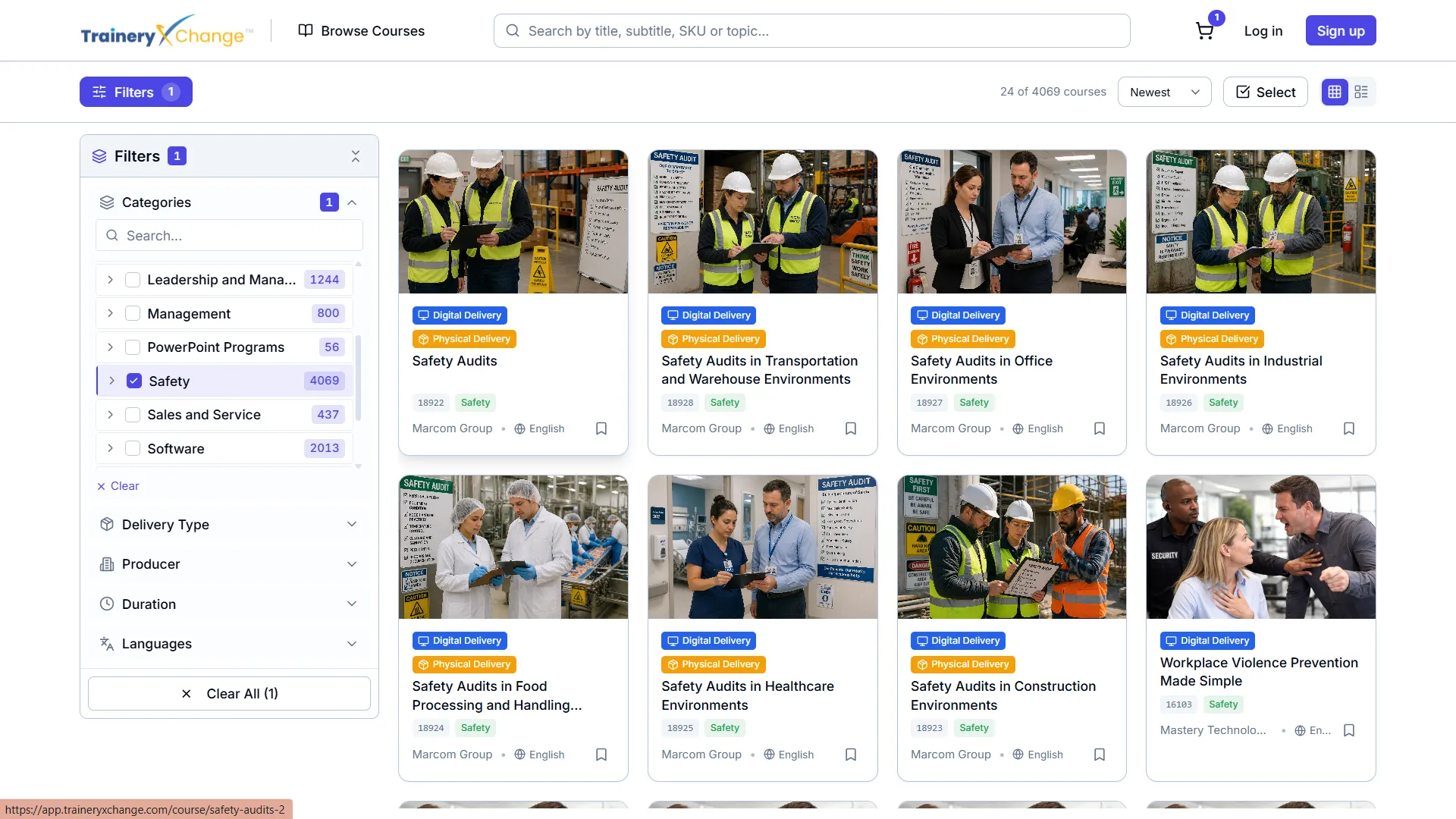
Teams reviewing content against these constraints can browse the corporate content marketplace, review how content curation maps courses to specific roles, and consider delivery through an existing platform or a native one. Related considerations for distributed workforces are covered in remote and hybrid worker training content and multilingual and inclusive learning.
Reference Sources
On the four conditions determining whether training counts as working time: eCFR, 29 CFR 785.27, Training Programs
On general hours worked principles under the FLSA: U.S. Department of Labor, Hours Worked Under the FLSA
On the training obligations that generate frontline record requirements: Occupational Safety and Health Administration, Training Requirements




%5B1%5D.svg)
