
.webp)
%201.svg)
Start With the Current Platform and Contract, Not a Generic Timeline
A move from Go1 or OpenSesame to TraineryXchange should begin with your actual contract, licensed content, learner records, LMS environment, integrations, and mandatory training requirements. There is no responsible universal migration timeline because the work can range from a simple content replacement to a broader learning-platform change.
Platform scope also differs. Go1 currently provides learning through Go1 Learn and can deliver content directly or through an organization’s existing learning ecosystem. OpenSesame states that it is not an LMS and provides content for use in an LMS or similar learning platform. Those distinctions matter when planning what is actually being replaced.
Five Decisions to Make Before Migration
1. What Does Your Current Contract Allow?
Review renewal dates, cancellation notice, content-access rights, data-export rights, integration terms, and any post-termination restrictions in your current agreement. Do not assume a 30-day, 60-day, or annual notice period applies unless it is stated in your contract.
2. Which Content Is Mandatory?
List training that is required by law, regulation, contract, policy, certification program, or internal risk control. For each course, document the governing requirement, audience, jurisdiction, language, accessibility needs, delivery format, assessment requirements, and evidence you must retain.
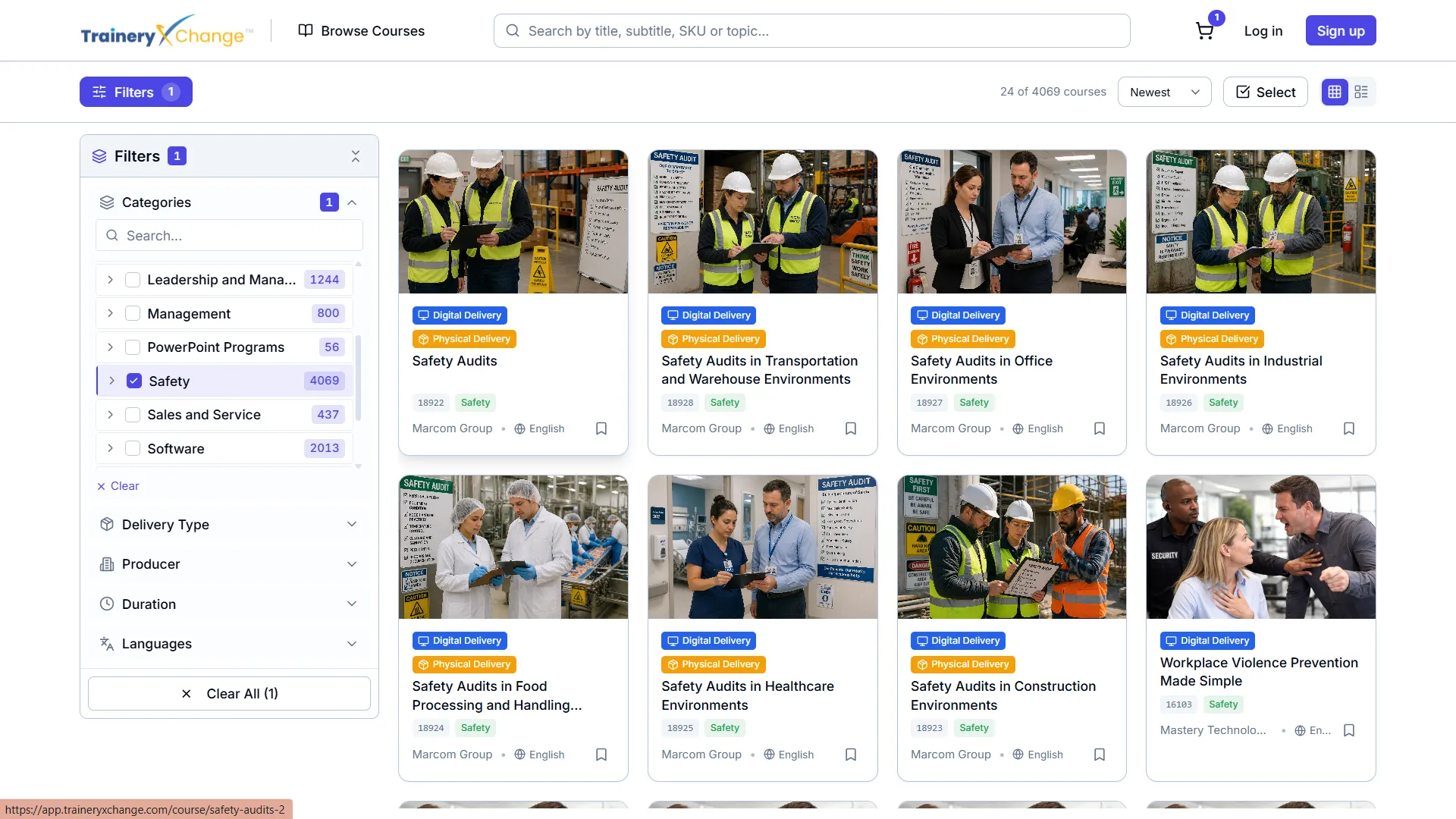
Use the TraineryXchange compliance training catalog and broader content marketplace to identify potential replacements. TraineryXchange provides 15,000+ training content options, but availability, equivalence, format, and jurisdiction should be confirmed for the specific course.
3. Which Learner Records Must Be Retained?
Export the records your organization is entitled to retain before access changes. Depending on the platform and configuration, this may include learner identifiers, course titles, completion dates, scores, certificates, assignment history, or report exports.
Record ownership and export behavior vary by vendor, LMS, integration, and contract. Do not assume all completion data lives in the LMS or that all vendor-hosted records can be transferred unchanged.
4. Will You Use TraineryLMS or Keep Your Existing LMS?
TraineryXchange supports TraineryLMS and supported existing-LMS delivery options. If you keep your current LMS, confirm the available delivery method, integration requirements, content compatibility, reporting behavior, authentication, and data flow. LTI, SCORM, xAPI, AICC, or other methods may apply depending on the course, LMS, licensing, and configuration.
Review the LMS delivery options and Marketplace + LTI guidance before finalizing the target architecture.
5. What Must Be Tested Before Rollout?
Create acceptance criteria for course launch, learner access, completion tracking, assessment results, certificates where applicable, reporting, accessibility, mobile behavior, SSO, integrations, and content updates. Test with a controlled group before organization-wide assignment.
A Practical Migration Roadmap
Phase 1: Inventory and Contract Review
- Export your current course inventory and identify high-use and mandatory content.
- Document contract dates, notice requirements, content rights, and data-retention requirements.
- Identify your current LMS, HRIS, identity, reporting, and integration dependencies.
Phase 2: Content Mapping
- Map mandatory courses first, followed by high-use professional and leadership content.
- Verify topic, jurisdiction, audience, language, accessibility, format, duration, and assessment needs.
- Flag gaps that require a different course, provider, delivery method, or custom solution.
Phase 3: Target Environment Configuration
- Configure TraineryLMS if it is the selected learning environment, or confirm supported delivery into the existing LMS.
- Set up required user groups, assignments, authentication, integrations, and reporting fields.
- Confirm how licensed content updates and replacements will be handled in the selected delivery model.
Phase 4: Pilot and Validation
- Test representative courses with a small learner group.
- Validate launch, tracking, reports, certificates where applicable, accessibility, and mobile behavior.
- Resolve technical and content gaps before scaling.
Phase 5: Rollout and Record Retention
- Communicate the change to learners, managers, administrators, and support teams.
- Move assignments according to the approved rollout plan.
- Retain required historical records before old access ends.
- Decommission the previous setup only after contractual, operational, reporting, and evidence requirements have been satisfied.
How TraineryXchange Fits Into the Target Architecture
TraineryXchange provides 15,000+ training content options, TraineryLMS, and supported existing-LMS delivery options. The appropriate setup depends on your content, systems, integrations, reporting requirements, and licensing configuration.
Do not assume that a migration automatically removes another LMS subscription, that every course has a one-to-one equivalent, that content updates require no administrative action, or that a trial is available under every current offer. Confirm current plan details, course availability, delivery methods, and implementation requirements for your organization.
Book a demo to review your current environment and migration requirements with the TraineryXchange team.


%5B1%5D.svg)
